
Super AI robot-rogramming1.3 - App Store
You'll be able to see results in few seconds.
Publisher Description
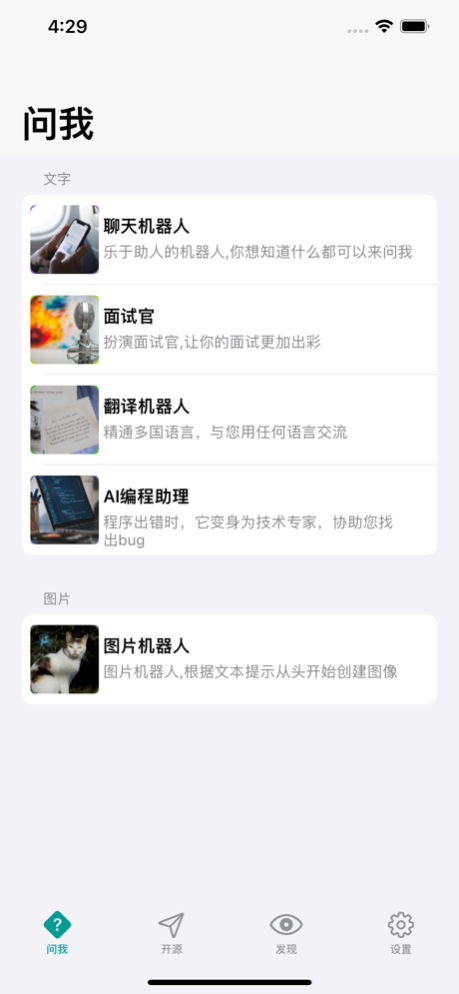
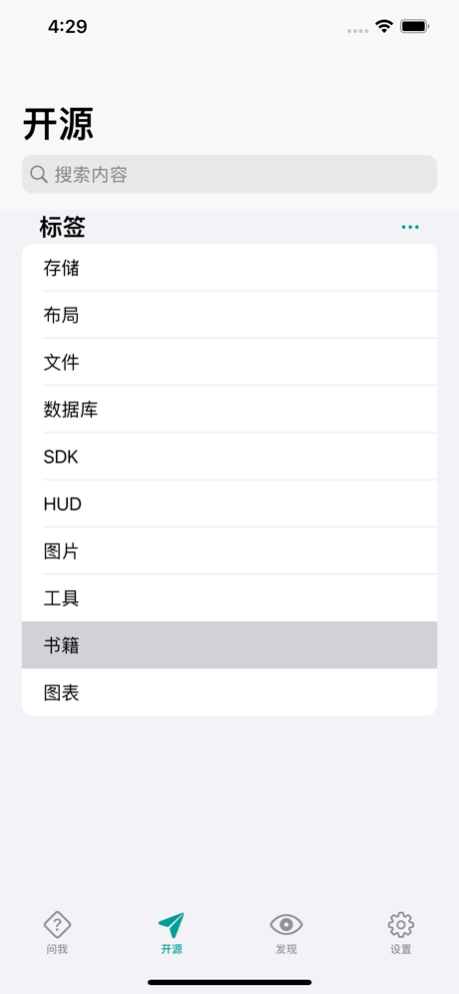
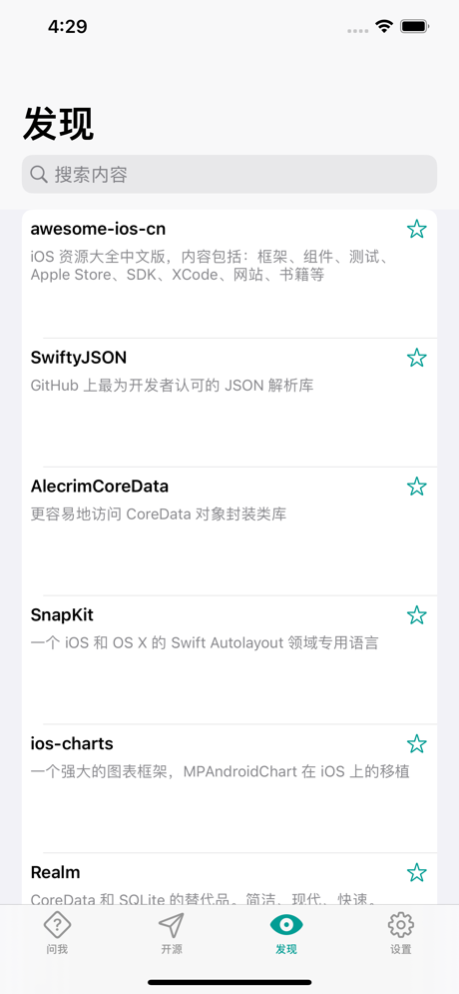
Life/Development Assistant
Organize outstanding open source libraries that are still being maintained,
Based on your description, intelligently generate images for you
Being an excellent artificial intelligence conversation partner can help you solve various problems, such as difficulties in life, work, and study
Member subscription content description
Service Name: Activate Member
Subscription cycle: 1 month
Subscription price: 18 yuan/1 month
Payment: The payment is made through the user's iTunes account. Once the user confirms the purchase, the payment is made. Renewal: The user will deduct the fee within 24 hours before the expiration date and verify the renewal fee. After successful deduction, the subscription cycle will be extended by 1 subscription cycle. Unsubscribe: If you want to cancel the renewal, please open the Apple phone "Settings" ->enter the "Tunes Store and App Store" ->click on "ApplD" and select "View AppleID" 24 hours before the current subscription cycle expires, Enter the "Account Settings page, click" Subscribe ", and choose to unsubscribe. If the subscription is not cancelled at least 24 hours before the end of the subscription period, the subscription will be automatically renewed.
Privacy Policy: https://raw.githubusercontent.com/UbunGit/data/main/iTeleprompter/privacy.html
User Agreement: https://raw.githubusercontent.com/UbunGit/data/main/iTeleprompter/proticol.html
Jun 19, 2023
Version 1.3
Fix the response speed of some lower version devices
About Super AI robot-rogramming
The company that develops Super AI robot-rogramming is 小青 张. The latest version released by its developer is 1.3.
To install Super AI robot-rogramming on your iOS device, just click the green Continue To App button above to start the installation process. The app is listed on our website since 2023-06-19 and was downloaded 0 times. We have already checked if the download link is safe, however for your own protection we recommend that you scan the downloaded app with your antivirus. Your antivirus may detect the Super AI robot-rogramming as malware if the download link is broken.
How to install Super AI robot-rogramming on your iOS device:
- Click on the Continue To App button on our website. This will redirect you to the App Store.
- Once the Super AI robot-rogramming is shown in the iTunes listing of your iOS device, you can start its download and installation. Tap on the GET button to the right of the app to start downloading it.
- If you are not logged-in the iOS appstore app, you'll be prompted for your your Apple ID and/or password.
- After Super AI robot-rogramming is downloaded, you'll see an INSTALL button to the right. Tap on it to start the actual installation of the iOS app.
- Once installation is finished you can tap on the OPEN button to start it. Its icon will also be added to your device home screen.
Program Details
System requirements
Download information
Pricing
Version History
version 1.3
posted on 2023-06-19
Jun 19, 2023
Version 1.3
Fix the response speed of some lower version devices
Disclaimer
Official App Store Link
We do not host Super AI robot-rogramming on our servers. We did not scan it for viruses, adware, spyware or other type of malware. This app is hosted by Apple and passed their terms and conditions to be listed there. We recommend caution when installing it.
The App Store link for Super AI robot-rogramming is provided to you by apps112.com without any warranties, representations or guarantees of any kind, so access it at your own risk.
If you have questions regarding this particular app contact the publisher directly. For questions about the functionalities of apps112.com contact us.
